
● QR menu & ordering for Indian restaurants
Guests scan, order and pay. You pay zero commission.
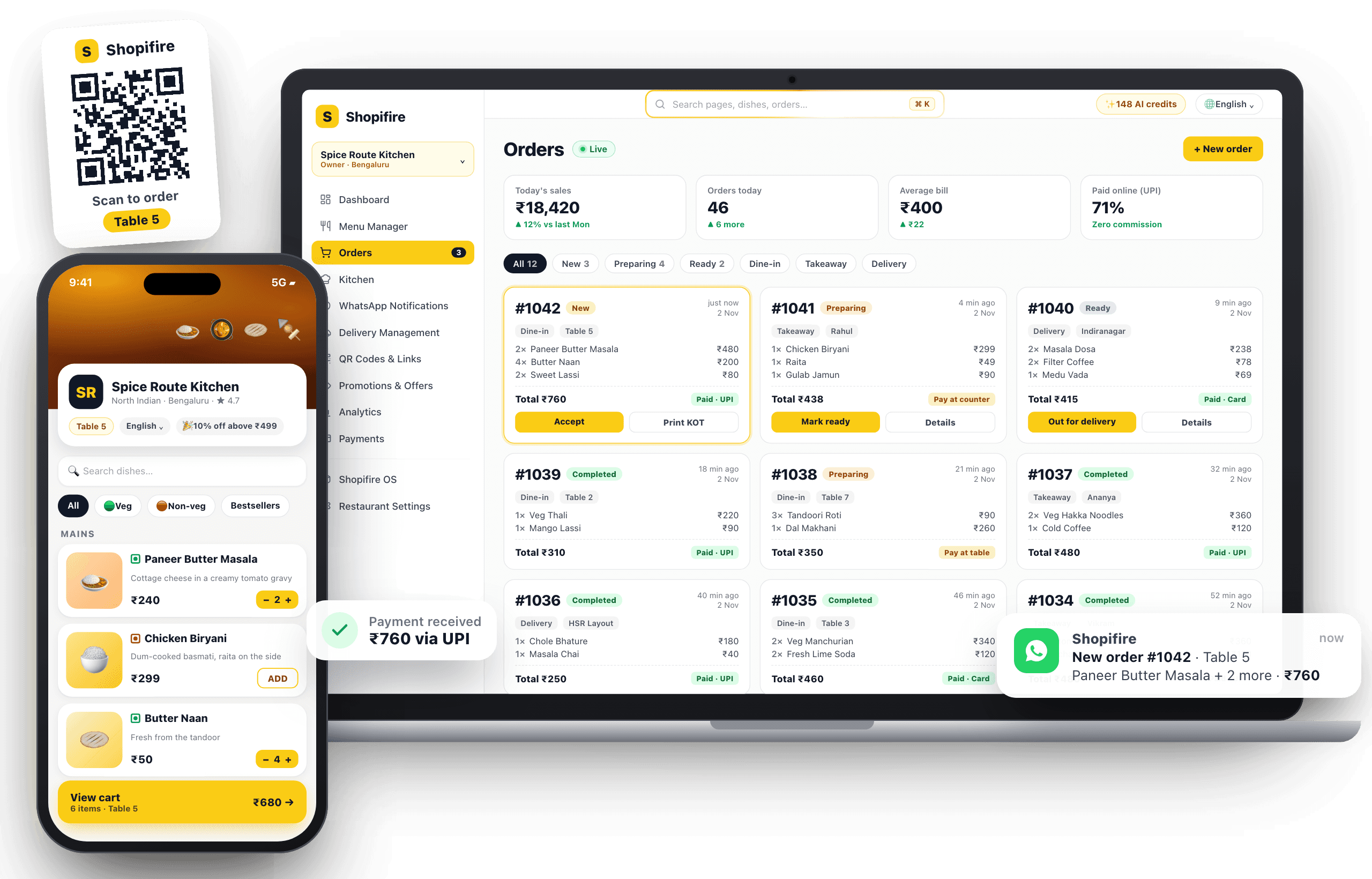
A QR menu with ordering, UPI payments, WhatsApp alerts and your own delivery link — set up in minutes from a photo of your menu. No app for guests, no commission on orders.
- Zero commission on orders
- No app for guests
- UPI & cash payments
- Live in under 10 minutes
Why restaurants switch
More orders, fewer mistakes, no commission
Keep every rupee
Orders from your QR and your own delivery link carry zero commission — unlike aggregators that take 20–30%.
Serve tables faster
Guests order the moment they sit down. No waiting for a waiter, no orders written down wrong.
Change the menu anytime
Prices, sold-out dishes and specials update instantly — no reprinting menus ever again.
Speak every guest’s language
Your menu in English, Hindi, Tamil, Bengali and 6 more — guests pick their language.
How it works
Live today — no developer, no hardware
Most restaurants take their first QR order the same day they sign up.
Add your menu
Upload a photo or PDF of your menu — or type it in. Most menus are ready in minutes.
Print your QR codes
Download table, counter or room QR codes and place them where guests sit.
Start taking orders
Orders go to your kitchen screen and WhatsApp. Guests pay by UPI, card or cash.
Features
Everything to run orders from one dashboard
From the table to the kitchen to the payment — built for how Indian restaurants actually work.
QR ordering for every table
Per-table codes tag each order with its table. One counter code works for cafes and food courts; room codes for hotels.
Kitchen display & live orders
Orders appear on the kitchen screen instantly with timers, so nothing is forgotten and the cook knows what’s next.
WhatsApp order alerts
Every new order and cancellation lands on your WhatsApp — even when you’re away from the counter.
UPI & card payments
Guests pay with GPay, PhonePe, Paytm or card through your own Razorpay account — money goes straight to you.
Your own delivery & pickup
Share one link on WhatsApp and Instagram. Set delivery zones, fees, minimum order and opening hours.
No fake orders
Signed QR codes, staff confirmation for risky orders and blocked numbers stop prank and ghost orders.
AI menu from a photo
Snap your printed menu or upload a PDF — dishes, prices and categories are filled in for you.
Know what sells
Sales vs last week, busiest hours, best and worst dishes, and returning guests — in plain numbers.
Also included
Who it’s for
Built for every kind of food business
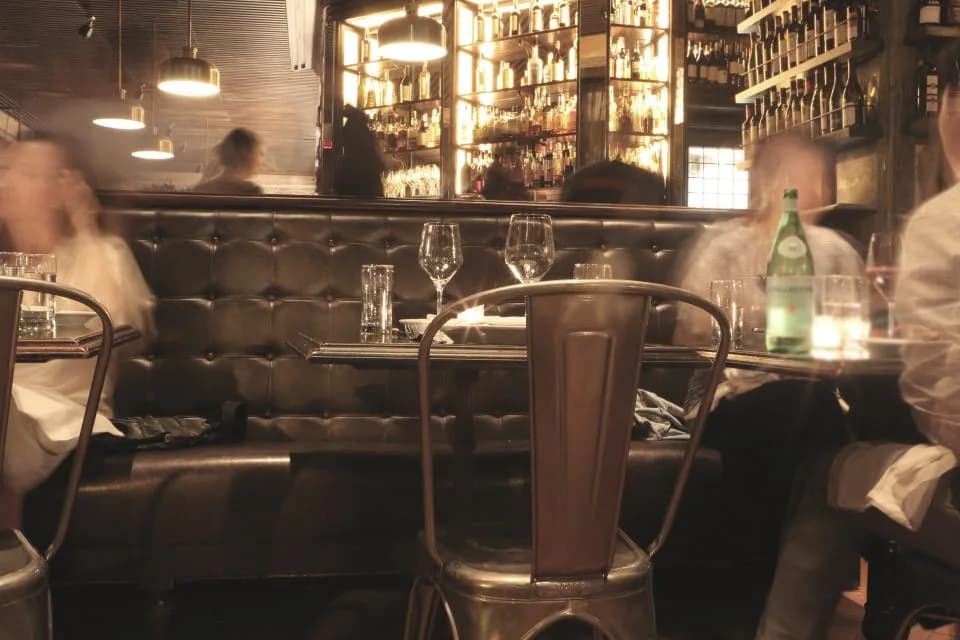
Restaurants
Table-wise ordering that keeps the floor moving.
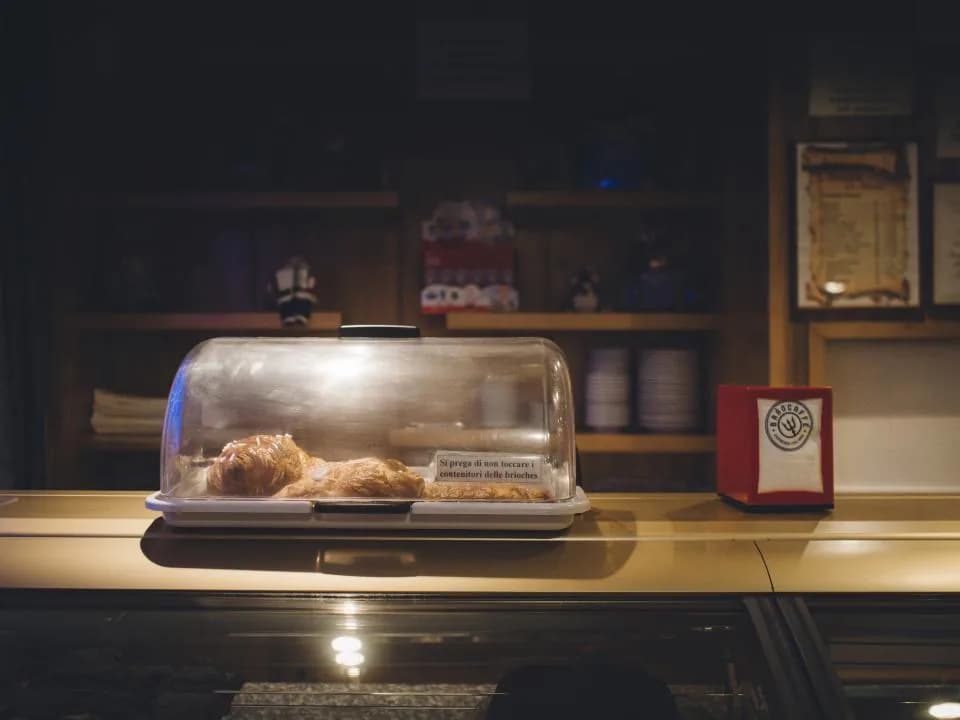
Cafés & bakeries
One counter QR with token numbers.

Hotels
Room-service ordering from every room.
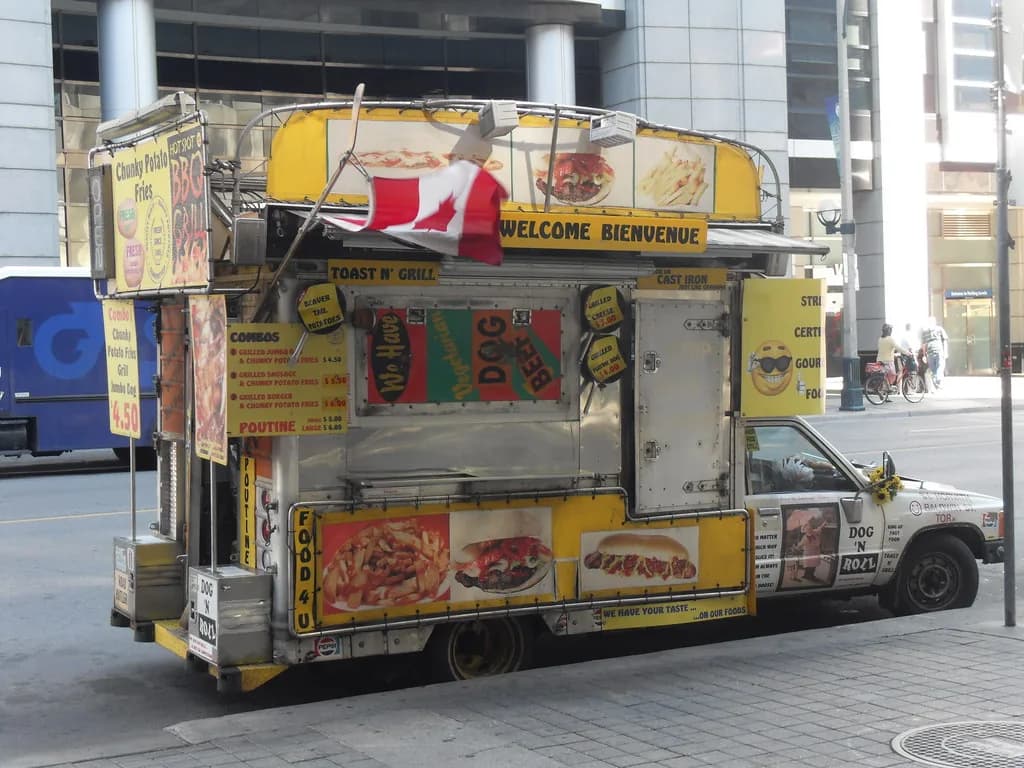
Food trucks & stalls
Pay-first ordering for long queues.
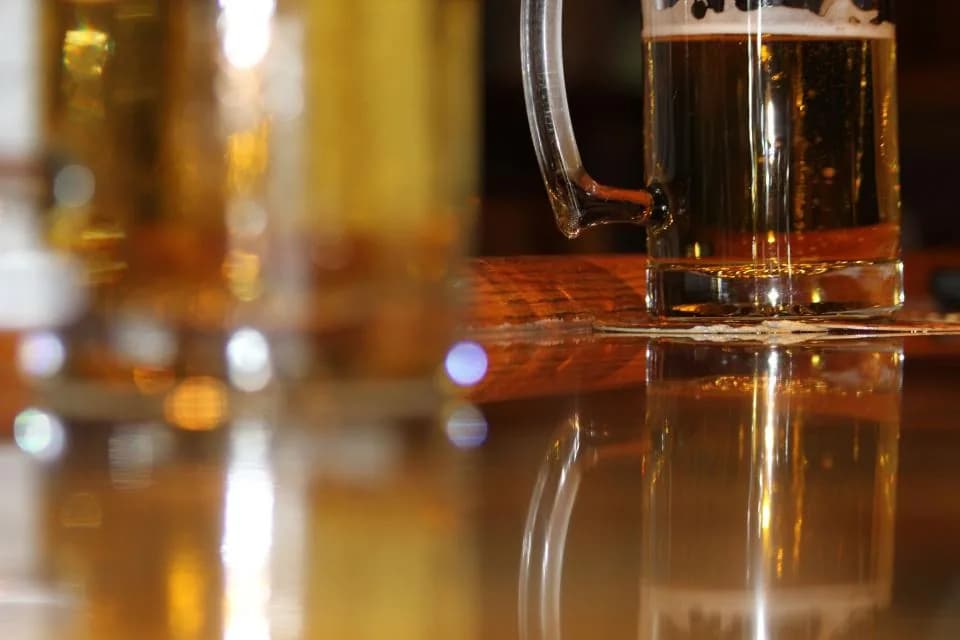
Bars & pubs
Repeat rounds without waving for a waiter.
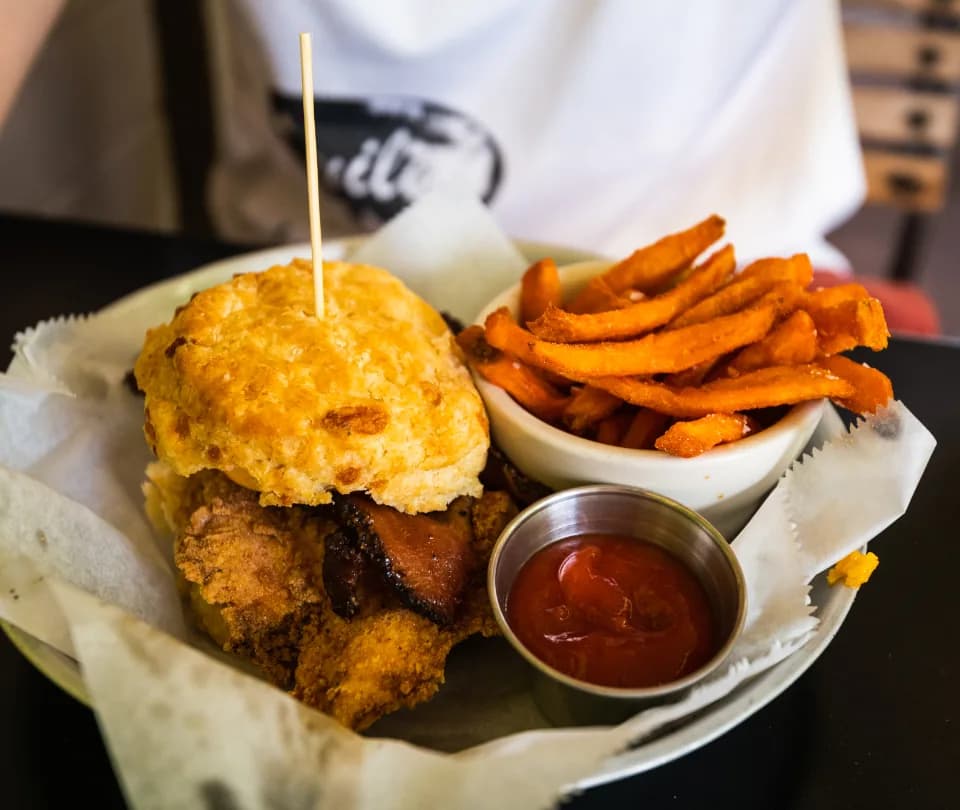
Cloud kitchens
Direct delivery orders, no commission.
Shopifire OS for the back of house
Stock, purchasing, recipe costs, cash and shifts — in the same dashboard as your orders.
- Stock & low-stock alerts
- Recipe costing & margins
- Purchase orders & suppliers
- Cash drawer & day close
- Staff shifts
- Prep sheets
Pricing
One simple plan. No commission, ever.
Start with a free QR menu. Upgrade to PRO when you’re ready to take orders and payments.
| Features | Free ₹0/month | Popular PRO ₹999/month |
|---|---|---|
| QR menu with photos | ||
| Menu items | Unlimited | Unlimited |
| Table, counter & room QR codes | ||
| QR ordering (dine-in, takeaway) | ||
| Kitchen display & live orders | ||
| Menu languages | English | English + 9 Indian |
| AI credits | 30 / month | 150 / month |
| AI menu import & dish photos | ||
| Delivery & pickup from your own link | ||
| UPI & card payments to your account | ||
| WhatsApp order alerts | ||
| Push notifications | ||
| Promotions & offers | ||
| Shopifire OS (stock, purchasing, money) | ||
| Staff accounts | 1 | Unlimited |
| Sales analytics | ||
| Fake-order protection | ||
| Get Started Free | Subscribe Now |
AI credits: a dish photo costs 1, a menu scan from a photo or PDF costs 5, a dish translation costs 1. Photos already in our dish library are free. Credits reset on the 1st of each month.
FAQ
Questions owners ask us
Do you take a commission on orders?
No. You pay a flat subscription — never a cut of your orders. Online payments go straight to your own Razorpay account; only Razorpay’s standard payment fee applies.
Do my guests need to download an app?
No. Guests scan the QR code with their phone camera and the menu opens in the browser.
What do I need to get started?
Just a phone or computer. For the kitchen, any tablet, phone or laptop works as the order screen. A thermal printer is optional.
Which languages are supported?
English plus Hindi, Bengali, Marathi, Tamil, Telugu, Malayalam, Kannada, Gujarati and Punjabi. Your menu is translated automatically.
What’s in the free plan?
A QR menu with photos and unlimited dishes in English, dine-in and takeaway ordering from the table, the kitchen display, and 30 AI credits a month. Upgrade to PRO for delivery, online payments, WhatsApp alerts, offers, Shopifire OS and 150 AI credits a month.
Can I cancel anytime?
Yes. PRO is monthly or yearly and you can cancel whenever you like — your menu stays online on the free plan.
Still have a question? Talk to us
Your menu can be taking orders tonight
Start with a free QR menu — no credit card. Upgrade when you want ordering and payments.